Product clarity at 390px
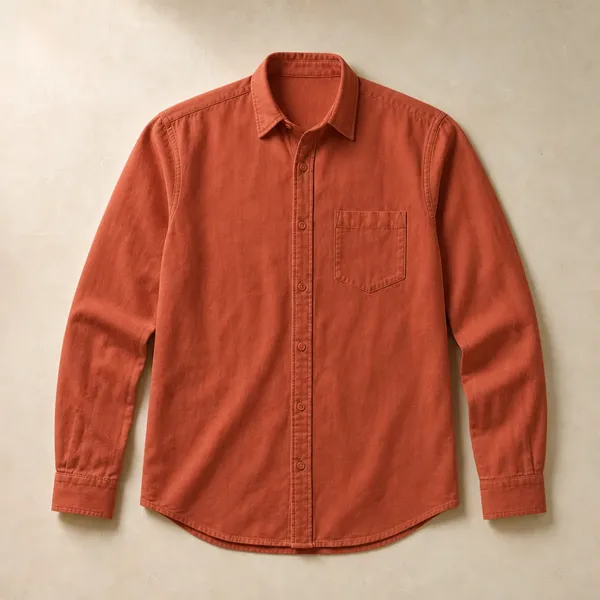
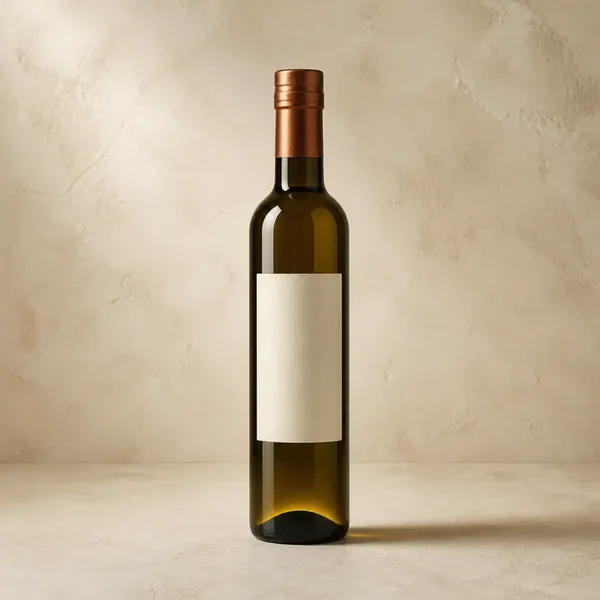
Can a buyer understand image, name, price, color, size, and add action without zooming or horizontal scrolling?
Guided tour · The customer view
This page previews both Store Worlds and a representative path from browsing to order status. It is an honest component and journey preview, not a live store. It contains no real orders, shopper records, or activated provider interfaces.
Choose the visual rhythm
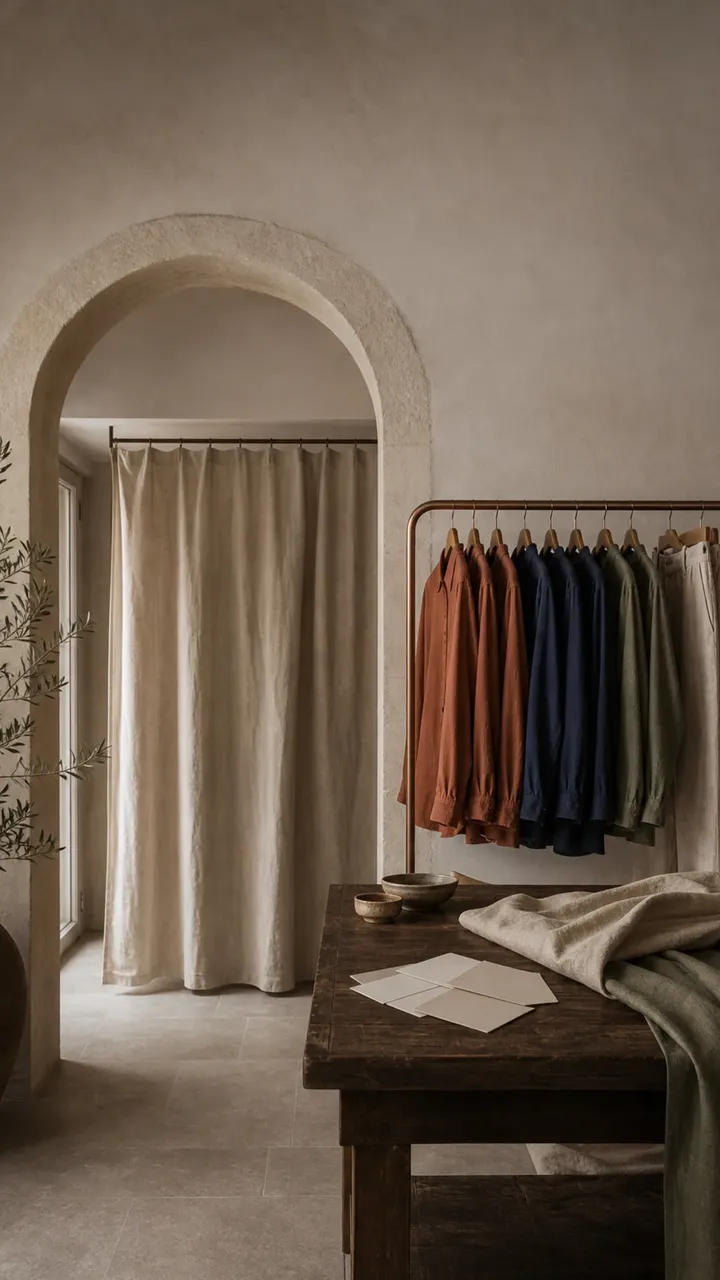
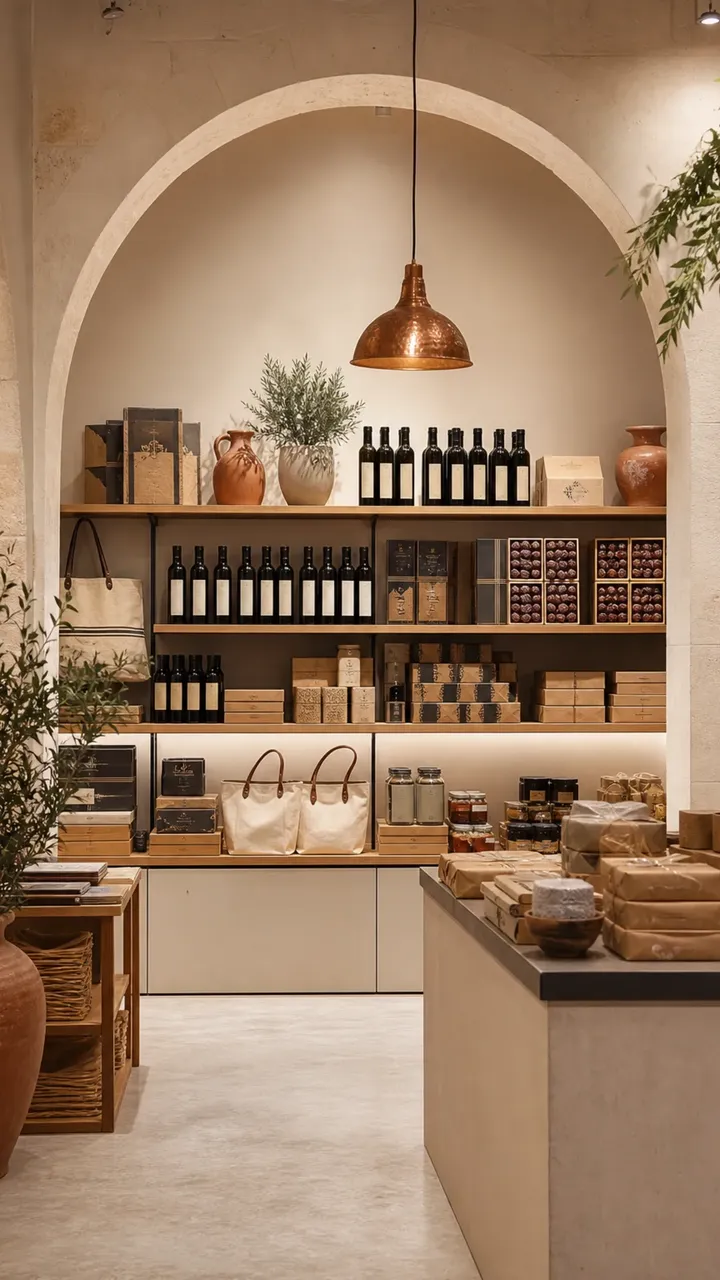
Both worlds use the same sound foundation: clear catalog, quick product cards, and trust close to the purchase decision. The art direction and emphasis change, not the correctness of the order or ease of administration.
Illustrative preview using documented demo assets; the text and prices are not a real commercial offer.

Summer collection · Local delivery

The buyer journey
A strong system disappears from the customer view. The buyer sees the right product, price, options, address, and order status without needing to understand inventory or price-list machinery behind it.
Collections, search, and filters appear in native RTL, with normalization that handles common Arabic writing forms. The buyer can move to English when the merchant supplies that content.
Selecting color changes its bound imagery and unavailable combinations become disabled. The right customer-type price appears before add-to-cart, and the chosen options stay visible in cart.
The buyer enters phone, governorate, district, and landmark, sees delivery cost before confirmation, then selects COD or the payment QR available for the store.
After ordering, the buyer receives a signed status page that does not force account creation. It shows stages, products, options, and an invoice download when ready.
What this tour shows and what it does not
The tour shows storefront elements that are built: two Store Worlds, products with options, cart, checkout structure, trust, and order status. Images come from documented Shop Tek demo assets, while store names and prices are illustrative rather than merchant data or customer endorsements.
This page does not take a real payment, send a message, or submit a tax invoice to an authority. CliQ and COD have product paths, while live WhatsApp and JoFotara delivery need provider credentials. A live card gateway is unavailable until a provider is approved.
To see the admin and operating journey, create a separate trial with your data or seeded demo information. The trial is the right place to test product creation and order completion; this page is for understanding storefront shape and buyer sequence without registration.
What to review in trial
Do not stop at template color. Use this list in your trial store and compare the result with the time and errors in your current process.
Can a buyer understand image, name, price, color, size, and add action without zooming or horizontal scrolling?
Try an available and sold-out variant, then a retail and wholesale buyer, and check that cart and order retain the result.
Use a realistic governorate, district, and landmark, then verify that zone fee and local pickup appear at the right moment.
Move into admin, confirm and pack the order, assign a test driver, then review what appears on status page and invoice.
Next step
Choose a world, add one product with options, and complete a test order to see storefront and operating dashboard together.
Public tour has no real data · Trial needs no card